

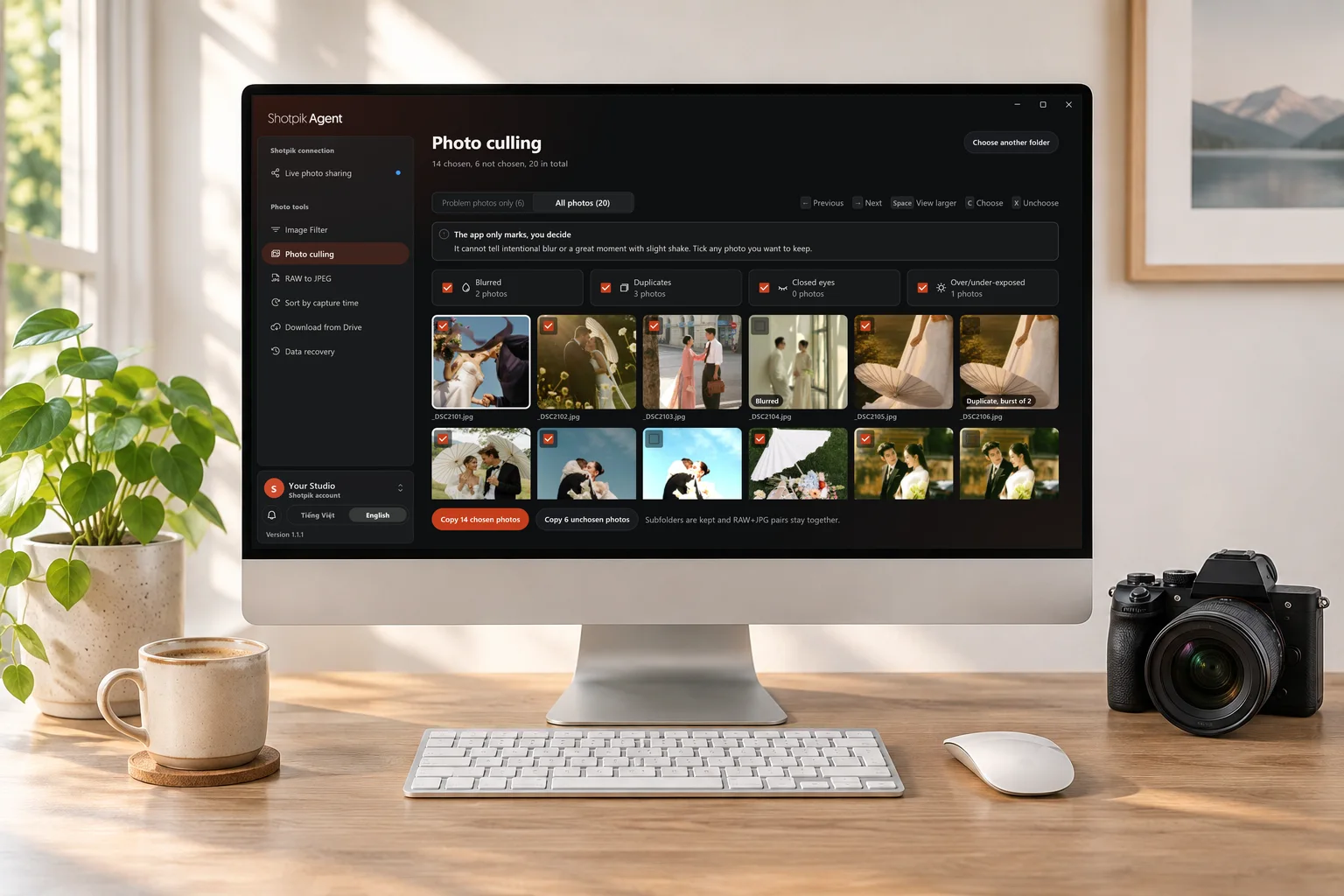
Photo culling
Flags blurred shots, burst duplicates, closed eyes and badly exposed frames. Reads JPEG and RAW. You decide what stays.
How to use it →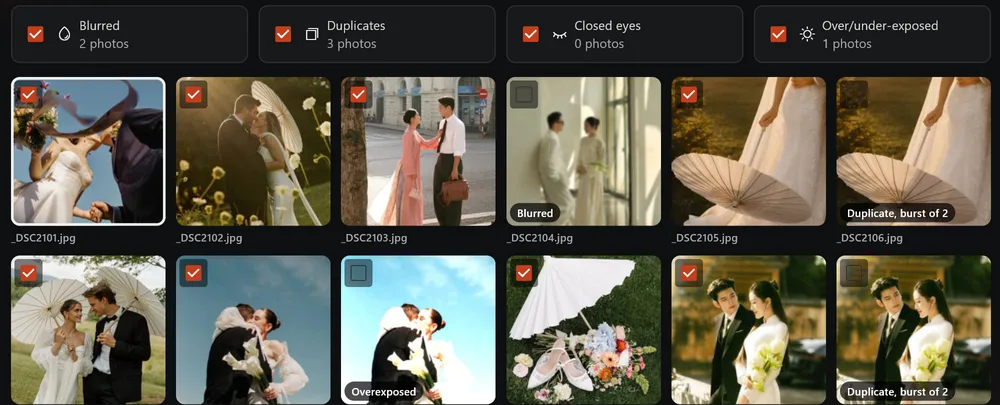
Free desktop app for photographers
Put photos from your computer or NAS on a Shotpik album without uploading. Plus 6 tools to pull client picks, cull bad shots, export JPEG from RAW and recover deleted photos.
Windows 10 and 11 · macOS 12 or later · Free on every plan
Sync from your PC
Add a folder from your computer or NAS, then create the album. New photos added to the folder show up on their own.
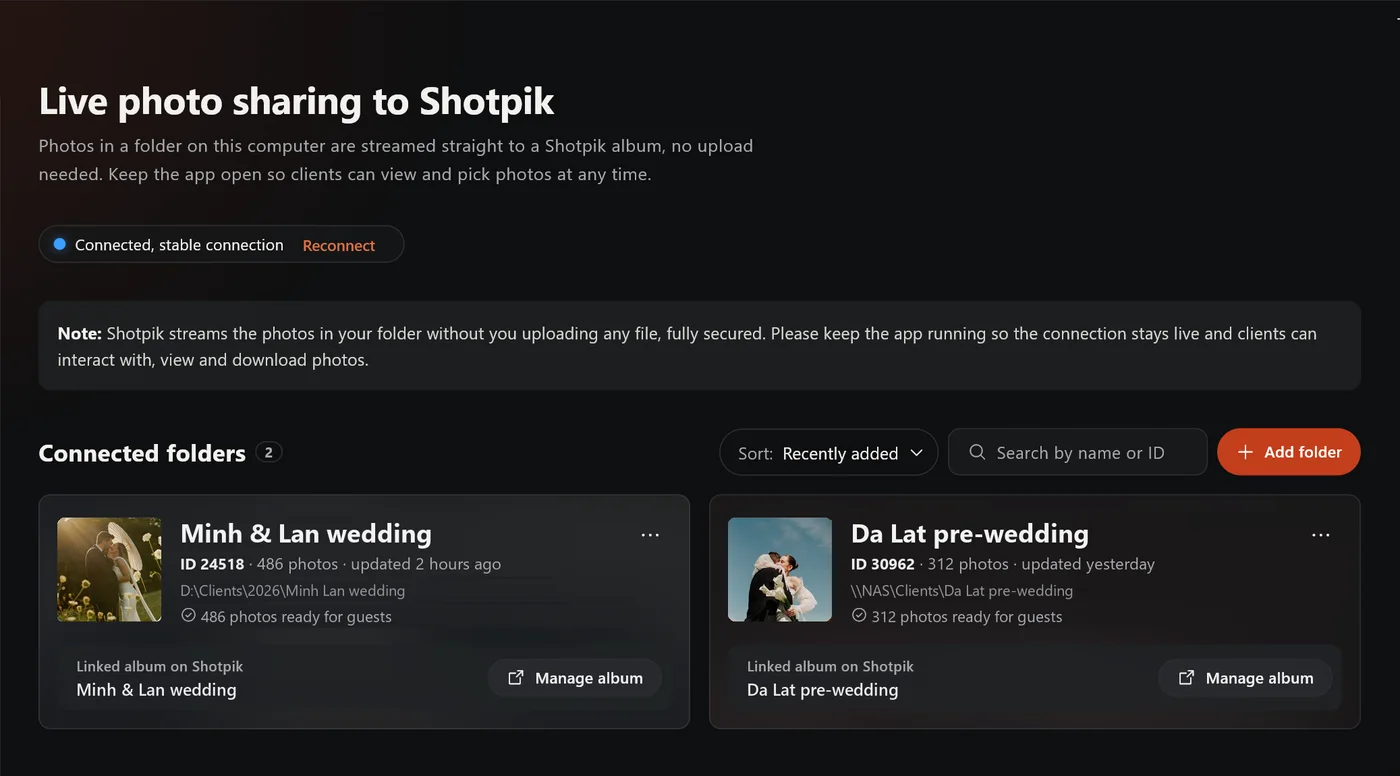
No waiting for thousands of files to go up.
Your originals sit on no one's server. Pause or disconnect any time.
No extra storage to buy for big shoots.
Photos are streamed from your machine, so it has to be on. Read the guide
6 free tools
Flags blurred shots, burst duplicates, closed eyes and badly exposed frames. Reads JPEG and RAW. You decide what stays.
How to use it →Paste the file names your client picked. The app finds them in your originals and copies them out, RAW and JPG included.
How to use it →Pull the JPEG already inside CR3, NEF or ARW files so clients can pick the same day. No Lightroom needed.
How to use it →Merge several cameras into one timeline, fix clock drift between them and rename in shooting order.
How to use it →Download file by file, keep the folder structure, resume after a dropped connection. No ZIP splitting.
How to use it →Get back deleted photos and videos, even from a formatted card. The card is only read, never written.
How to use it →Originals are never deleted, renamed or overwritten. Tools only read them and copy to a new folder.
Download
Windows 10 or 11, 64-bit
macOS 12 or later, Apple and Intel chips
Then open the app and click Sign in with the web using your Shotpik account. There is no phone version.
FAQ
No. The app and all 6 tools are free on every Shotpik plan.
No. With PC sync, the originals stay on your computer or NAS and are streamed to clients from there.
No. The computer must be on and online with Shotpik Agent open. Turn on Keep awake while sharing so it does not sleep.
Yes, when the NAS is connected to the computer running Shotpik Agent.
Not yet. Shotpik Agent runs on Windows and macOS.