

User guide · 03
Send the album to your client
Send a picking link, a view-only link or a QR code. Clients need no account and no app.
Updated
Open the album and press the red Send album button (or Share in the three-dot menu on the Albums page).
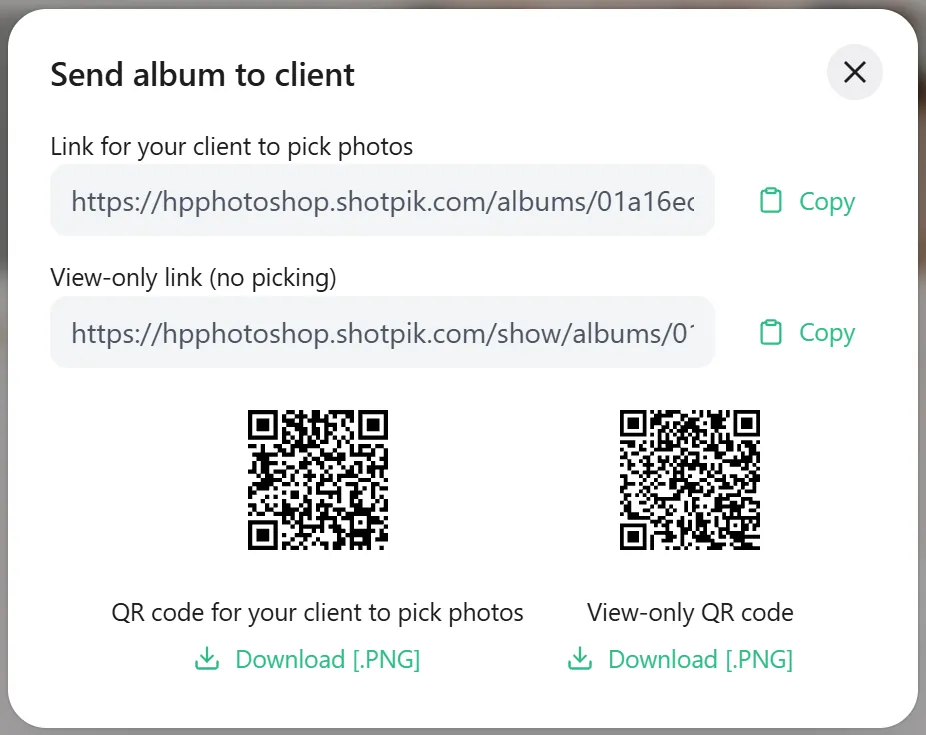
- Link for your client to pick photos: for the people who choose. They can heart, comment and press Done.
- View-only link (no picking): view and download only (if allowed). Good for friends and family, with no risk of stray hearts.
- Copy: paste the link into Zalo, Messenger or email.
- QR codes: one per link. Press Download [.PNG] to print it on a card or delivery slip.
Clients need no account or app; the album works on phones and computers. Android users can also open albums in the Memora app from Google Play.
The page For clients: choosing your photos is written for clients. Send it along.
Still have a question?
Message Shotpik and we will reply during working hours.