

User guide · 05
For clients: choosing your photos
A guide for clients: open the album, heart, comment, draw notes, press Done, download and see the edited photos.
Updated
This page is for clients. Screenshots are from a phone; on a computer the buttons are the same.
Step 1. Open the album
Tap the link or scan the QR code from your photographer. No account needed. If the album has a password, type the one your photographer gave you. Tap See Album.
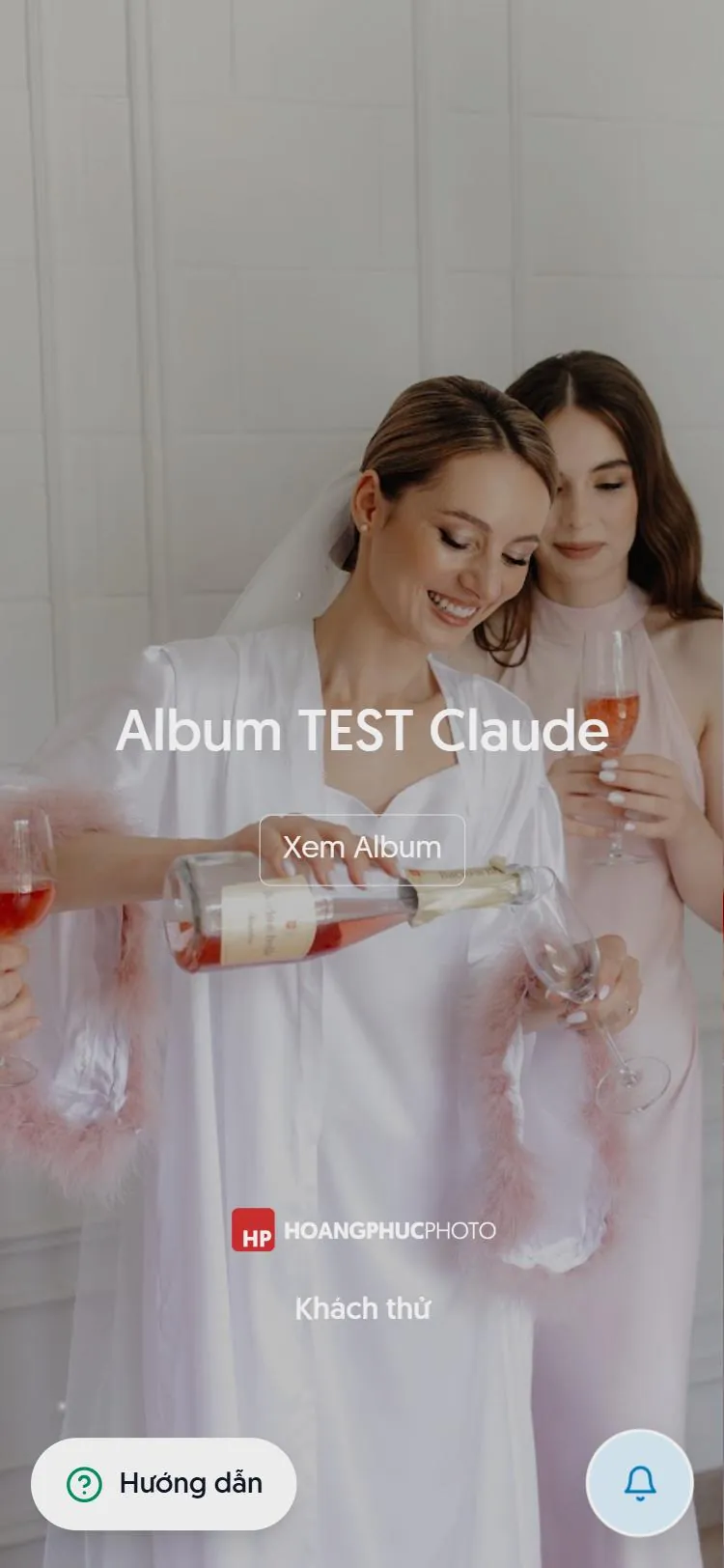
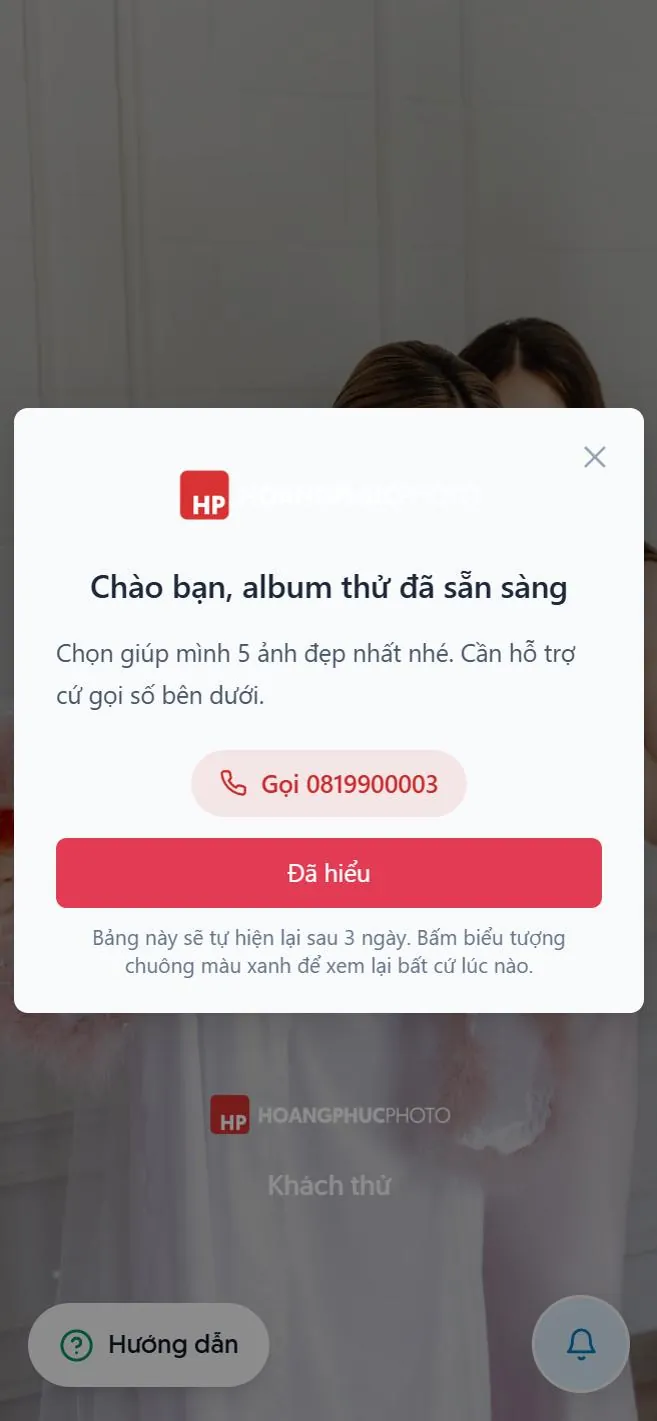
Your photographer may leave you a notice. Read it and close it. To read it again, tap the green bell at the bottom.
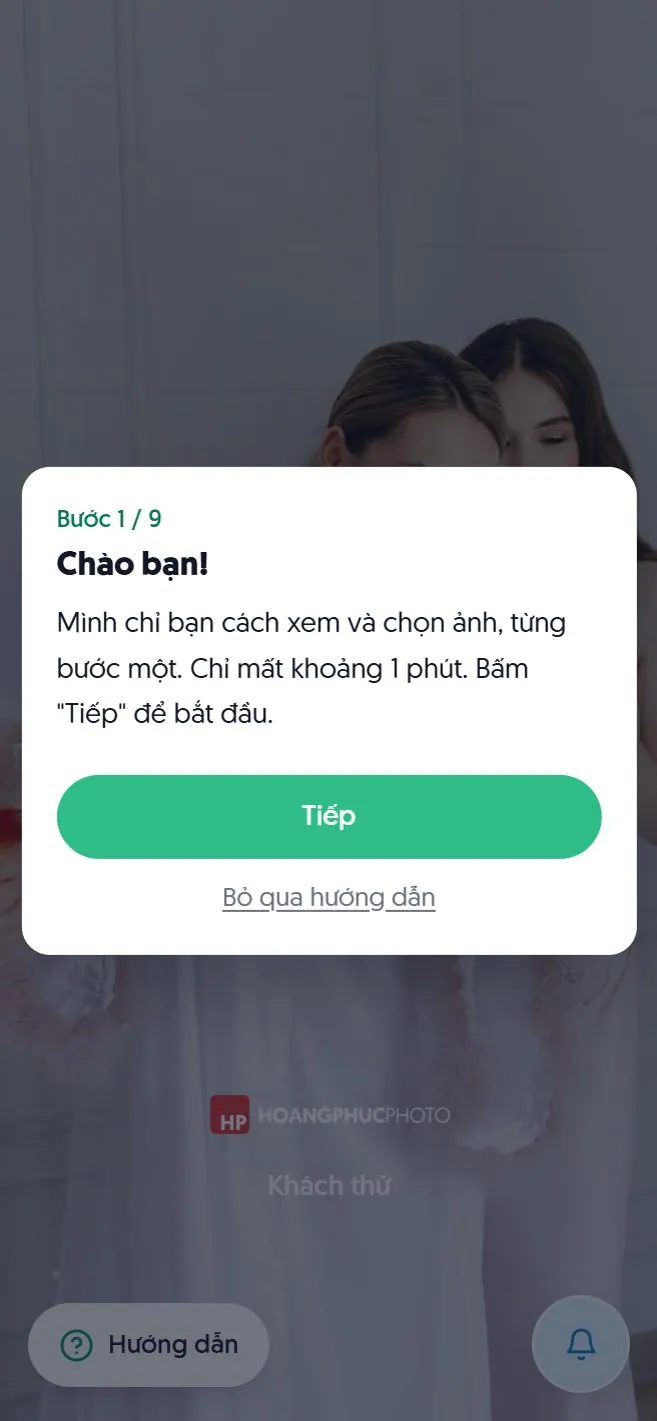
The first time, a short 9-step guide (about a minute) can walk you through. Open it again any time with the Guide button.
Step 2. Look and heart
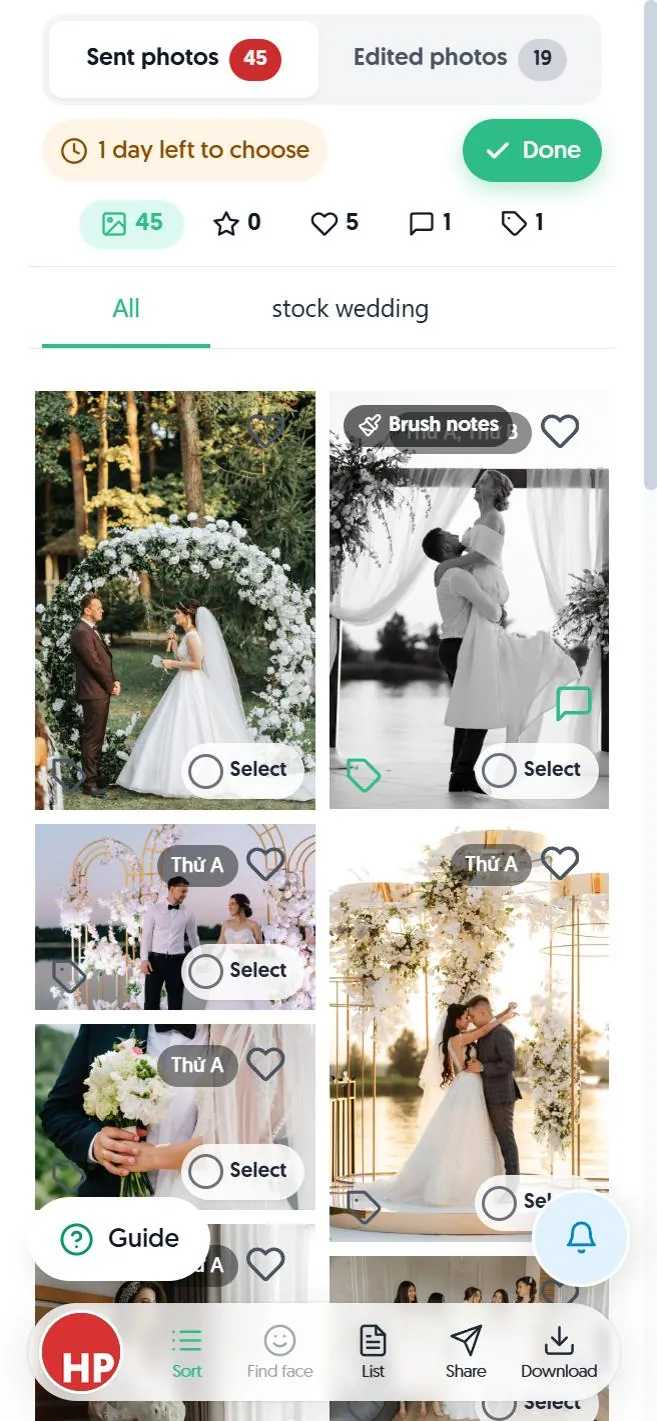
- Sent photos / Edited photos: the two parts. Edited photos appear once your photographer delivers them.
- 1 day left to choose: the deadline, if there is one.
- Heart on a photo: tap to choose, it turns red. Tap again to undo. If there is a limit, you will see a message once you have chosen enough.
- Bottom bar: Sort, Find face (find photos of yourself), List, Share, Download.
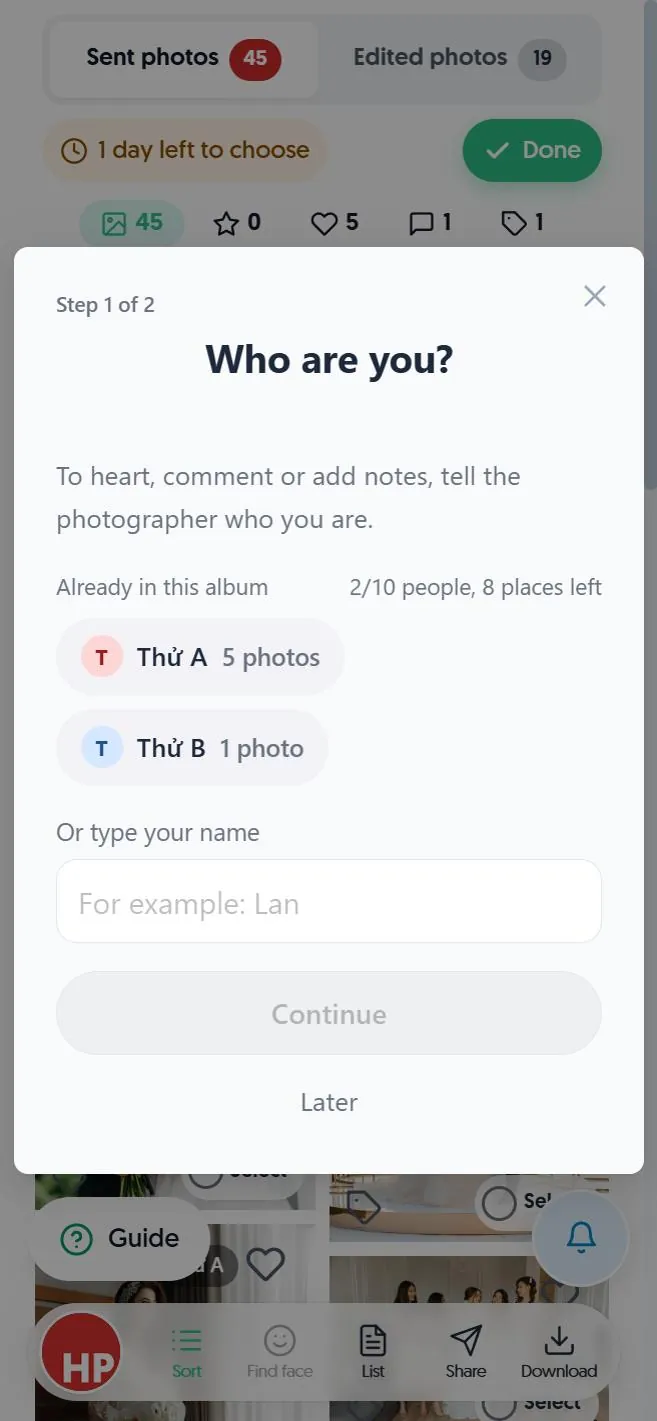
If several people choose in one album, the first heart asks Who are you?. Tap your name if it is there, or type a new one. Next you set a PIN so you come back as yourself later. Forgot the PIN? Ask your photographer to reset it.
Step 3. Tell the photographer what to fix
Tap a photo to see it large. Swipe left or right for the next one.
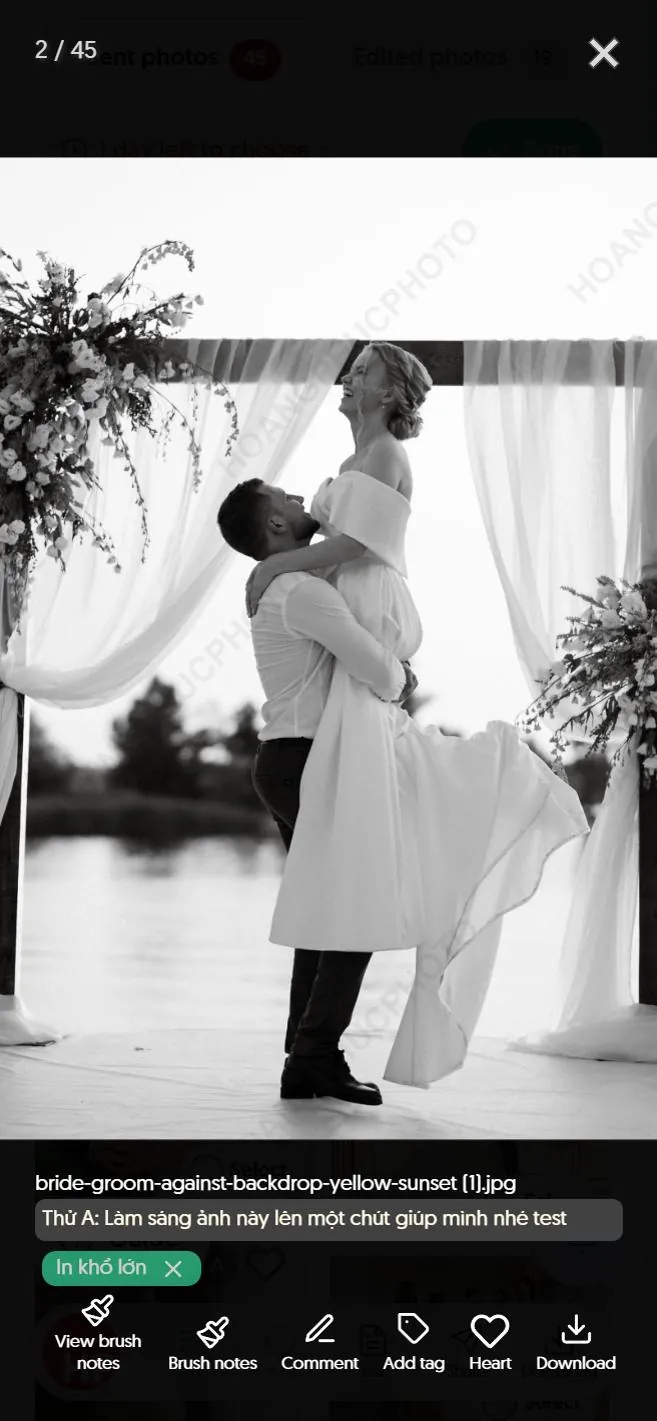
- Comment: write a note, for example "Please brighten this one a little". If your photographer set a comment password, type it.
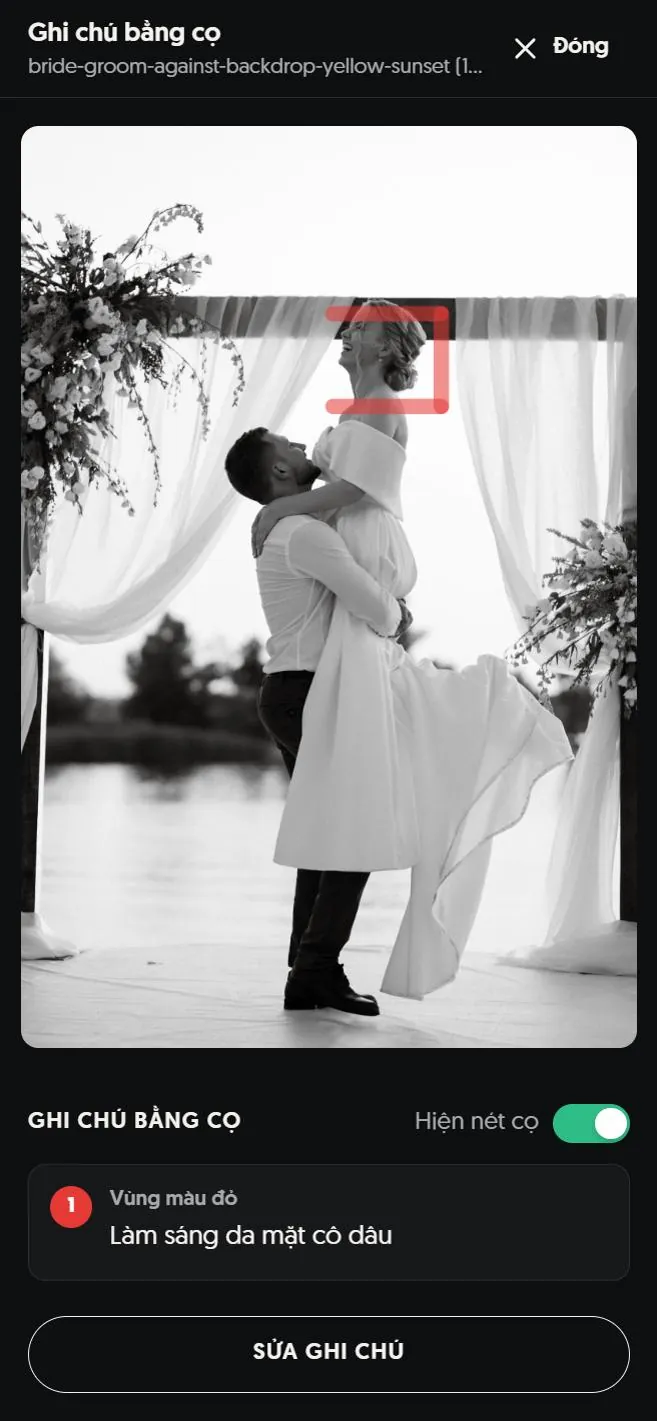
- Brush notes: circle an area right on the photo and write a note for it.
- Add tag: for example "Print large", "For Facebook".
- Heart and Download (if your photographer allows downloads).
Step 4. Press Done when you have finished
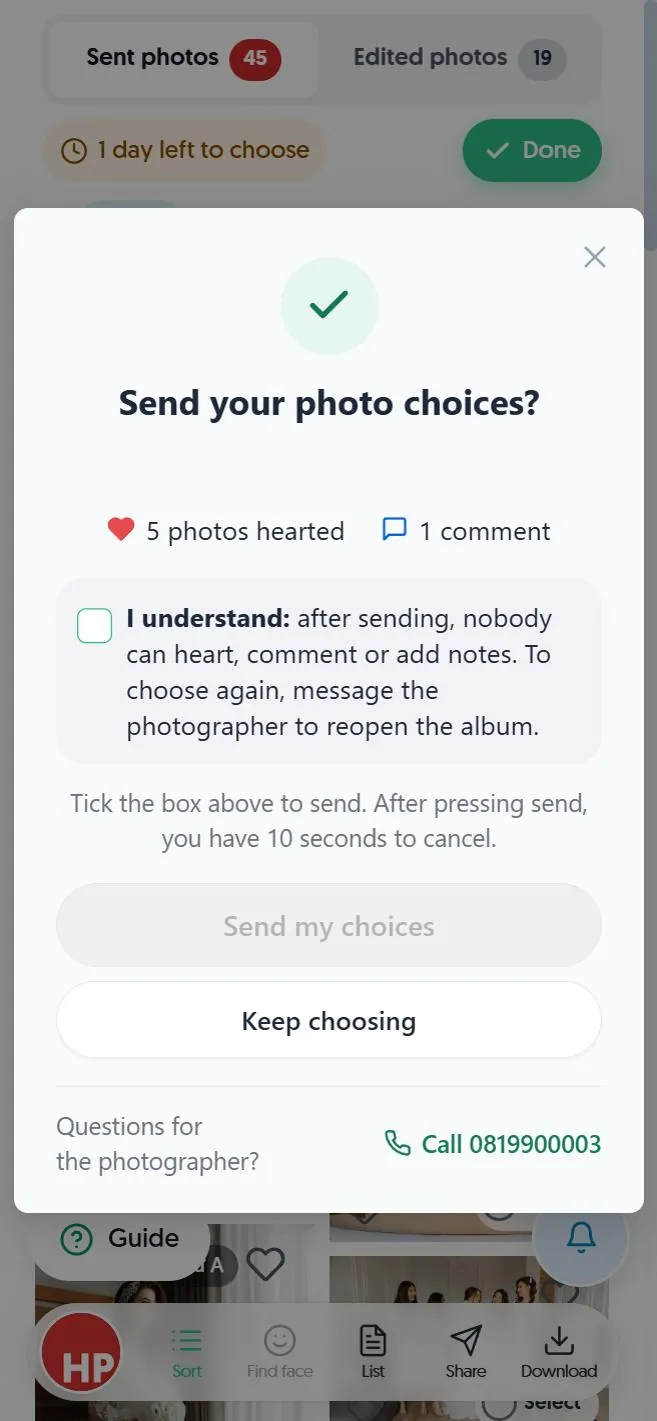
- Tap the green Done button.
- Check the number of hearted photos and comments.
- Tick I understand, then tap Send my choices. You have 10 seconds to cancel if it was a mistake.
After sending, nobody can heart or comment any more. To choose again, message your photographer to reopen the album. Not sure yet? Tap Keep choosing.
Download photos
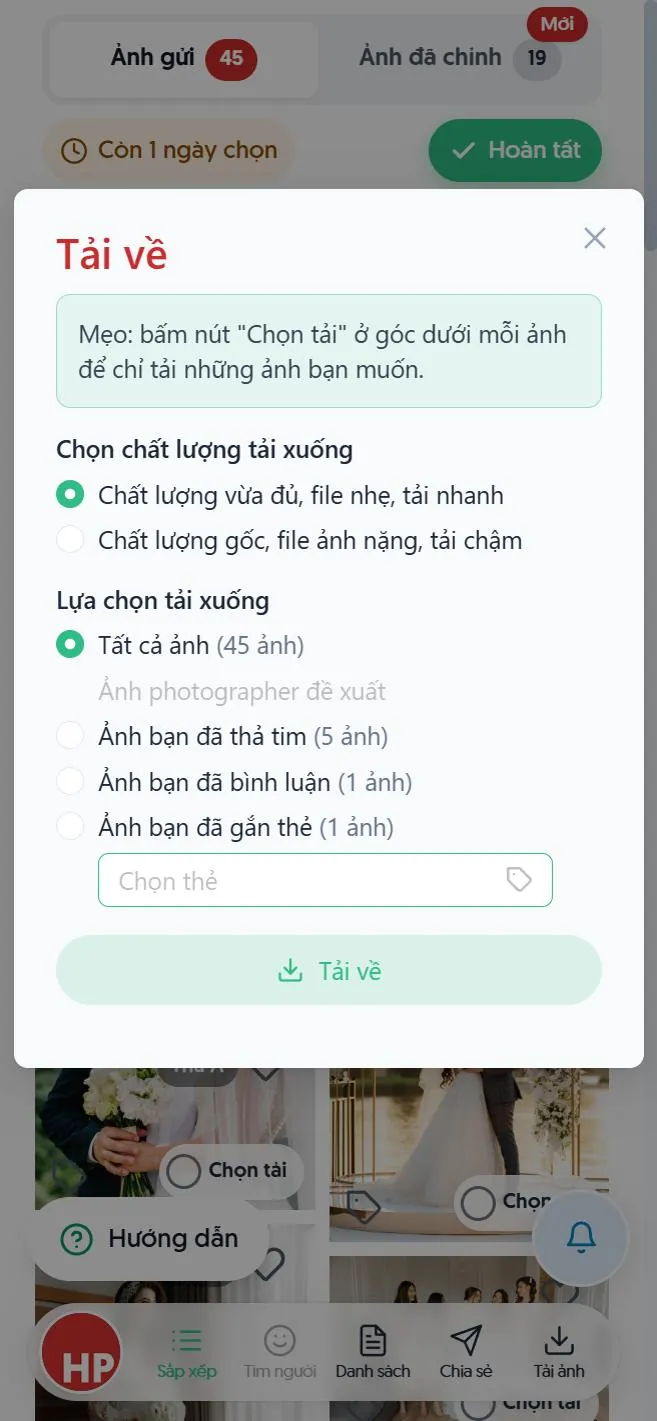
Tap Download in the bottom bar. Choose the quality (good enough or original) and the group: all, your photographer's recommendations, or the photos you hearted, commented or tagged. Just a few? Tap Select under each photo.
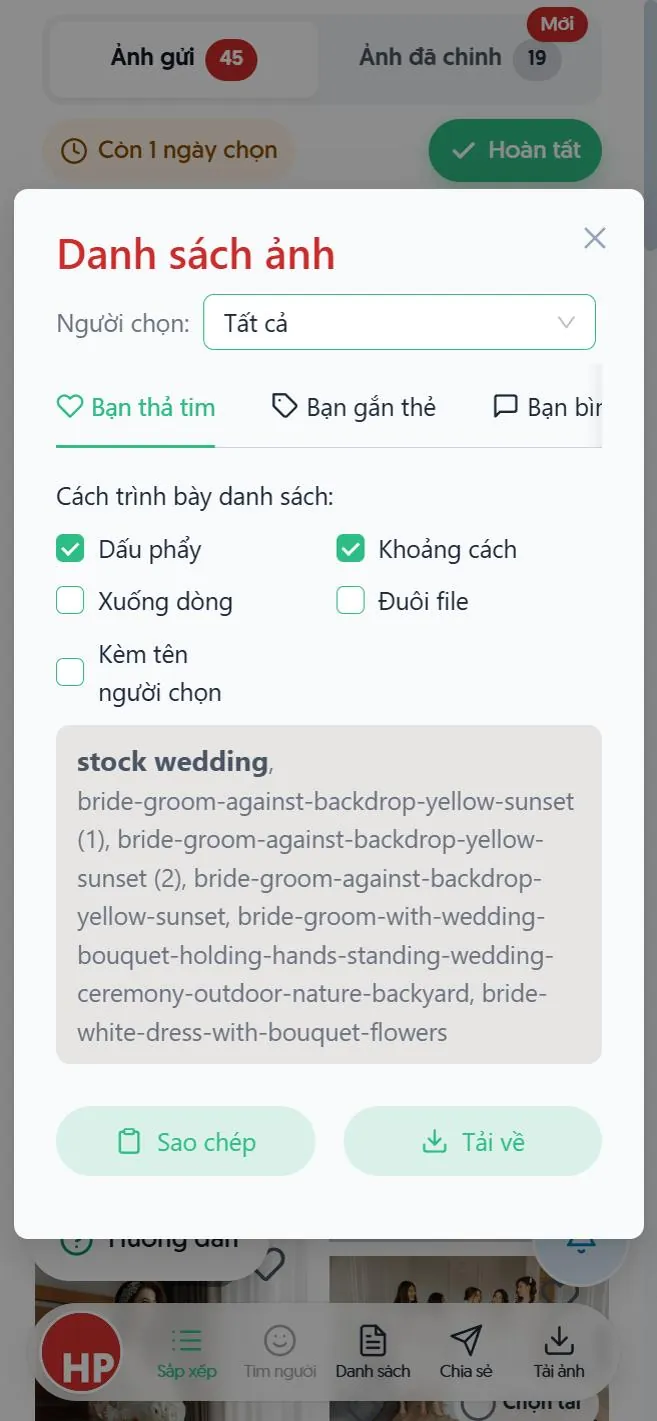
List lets you copy the names of the photos you chose to send your photographer by message. Share sends the album to family.
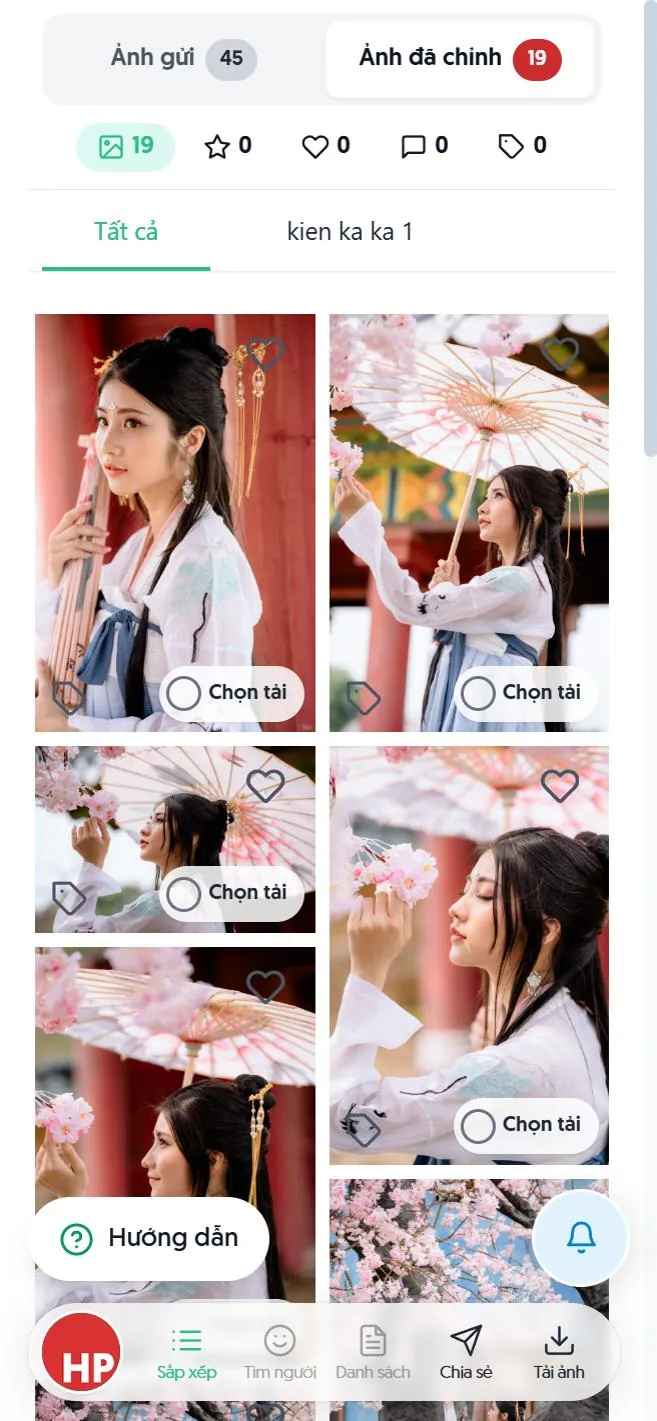
See the edited photos
When your photographer delivers, tap Edited photos at the top.
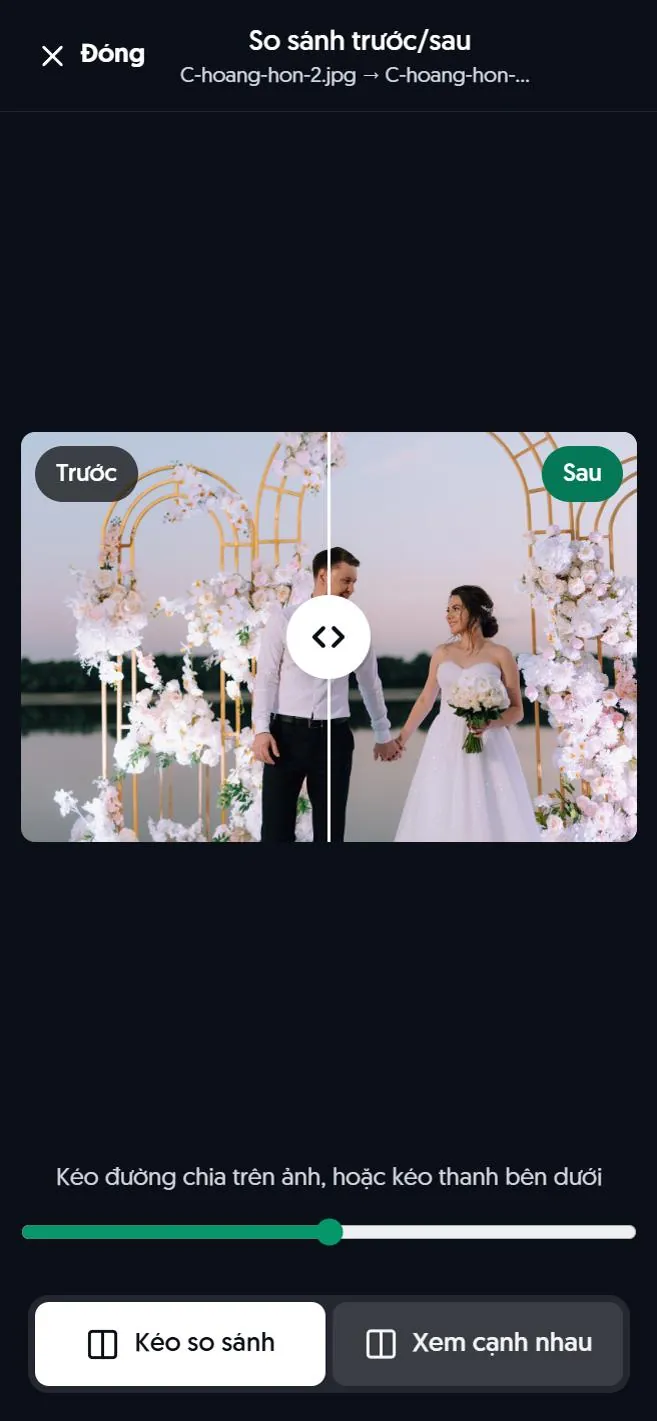
Open a photo; if it has a before/after button, tap it. Drag the divider on the photo, or view the two side by side.
Review your photographer
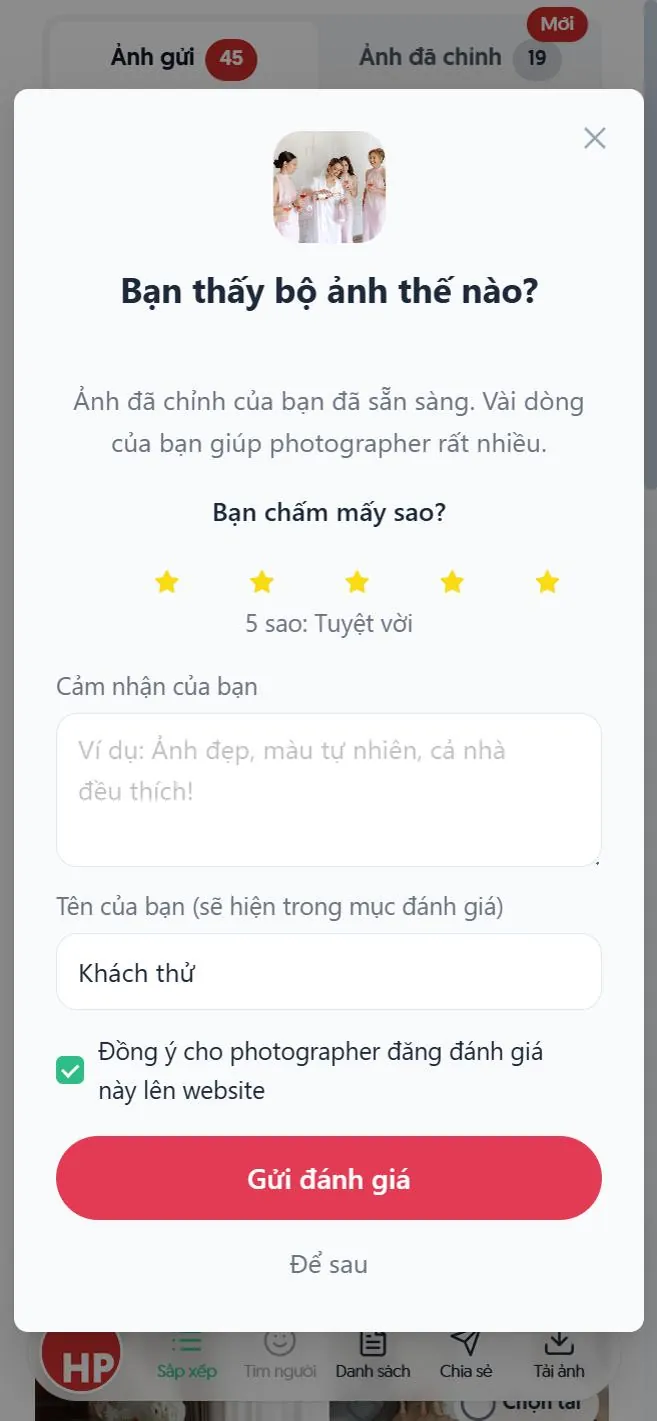
If your photographer turned this on, after delivery you will see a card asking how you liked the photos. Choose the stars, write a few lines and send. Untick the box if you do not want your review shown on the photographer's website. Not now? Tap later.
Still have a question?
Message Shotpik and we will reply during working hours.